Nova is an AR-powered navigation system that helps children travel safely in
urban environments, offering real-time guidance and building confidence in
independent mobility.
ObjectiveTo create a safer transit
experience for children in
urban environments by
harnessing future technology.
Problem
My RoleTeamResearch
Solution
Testing
ClientRujuta
Chang
Claire
DurationThe Unicef
Innovation
Node
(Meg McLaughlin)
4 Months

Children crave the freedom to move through cities on their own, but face risks such as traffic hazards,
unfamiliar routes, and limited situational awareness. Parents want to encourage independence, yet struggle
with fear and the need for reassurance. Current navigation and tracking tools are either not designed for
children or feel overly intrusive, leaving a critical gap for safer, child-friendly mobility solutions.
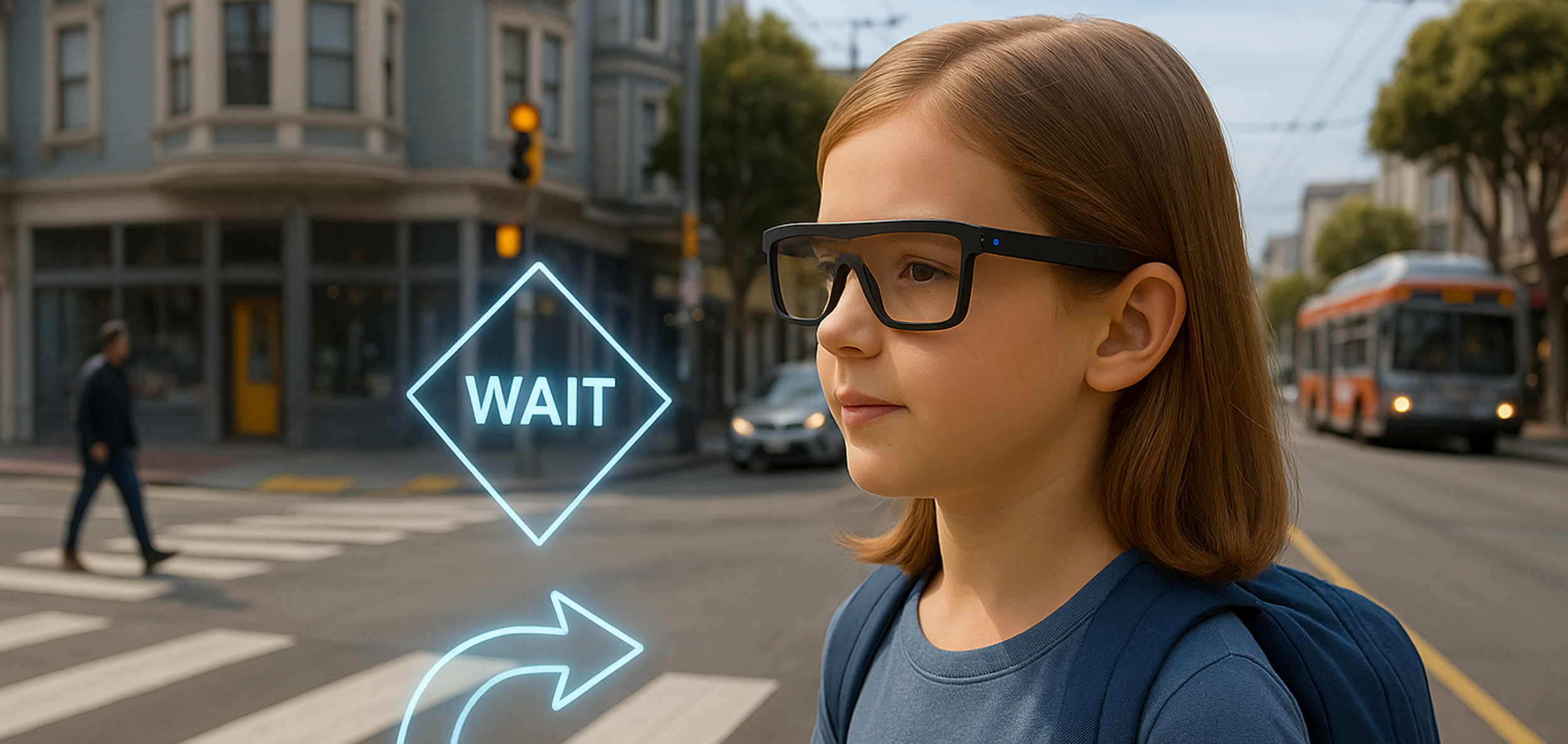
We designed Nova, an AR glasses system with a companion mobile app, to make children’s
independent mobility safer while helping them build confidence.
Expert Panels
Attended UC Berkeley events — Riding for Change: Labor & Transit Equity and Robotaxis and
AI: Navigating Mobility Innovation and the Public Good — to understand systemic challenges.
Parent Interviews
Spoke directly with parents to uncover fears, needs, and expectations around children’s mobility.
Co-creation Workshops
Facilitated collaborative sessions to generate ideas and align solutions with both parent and
child perspectives.

From this process, we uncovered three key insights:
Children desire freedom but lack safe tools
.
Kids want independence in navigating cities, but existing maps and trackers aren’t
designed for their age or abilities.
Parents seek reassurance, not surveillance.
Parents want confidence in their child’s safety, but intrusive tracking erodes trust and
limits independence.
Exploring Needs and Perspectives.
Future tech can close the gap
AR and AI offer a chance to design proactive, child-centered navigation that balances
freedom with safety.
Evaluating Potential Solutions
Building on these insights, we compared potential approaches such as GPS trackers, mobile apps,
transit training, and community escorts. While each offered partial solutions, none fully balanced
safety with independence.
This led us to focus on Navigation AR Glasses. Although not yet feasible for production, advances in
AR, language models, and hardware are reducing costs and expanding accessibility. AR glasses
represent a forward-looking vision for how technology could better unite safety and independence
while opening new opportunities for child mobility.

Competitive analysis
Once we aligned on AR glasses as a promising direction, we conducted a competitive analysis of Meta,
Snap, and Apple to better understand the hardware landscape, interaction methods, and long-term
trends. This helped us define a focused product roadmap grounded in current feasibility and
future opportunity..

This exploration surfaced three insights that guided our next steps:
AR glasses are becoming the next computing platform
They offer a strong opportunity to integrate advanced technologies. This momentum is
growing, with significant industry investment and early consumer adoption.
Interactions are still maturing
Voice and hand gesture input are currently the primary interaction methods. Portable AR
glasses with reliable display overlays are still limited and may take two to three years to
reach mainstream use.
Focus on software, not hardware
UNICEF does not need to create its own AR glasses. Prioritizing a flexible software
experience allows us to stay aligned with industry development while remaining
device-agnostic.
Ideation

Design
For children
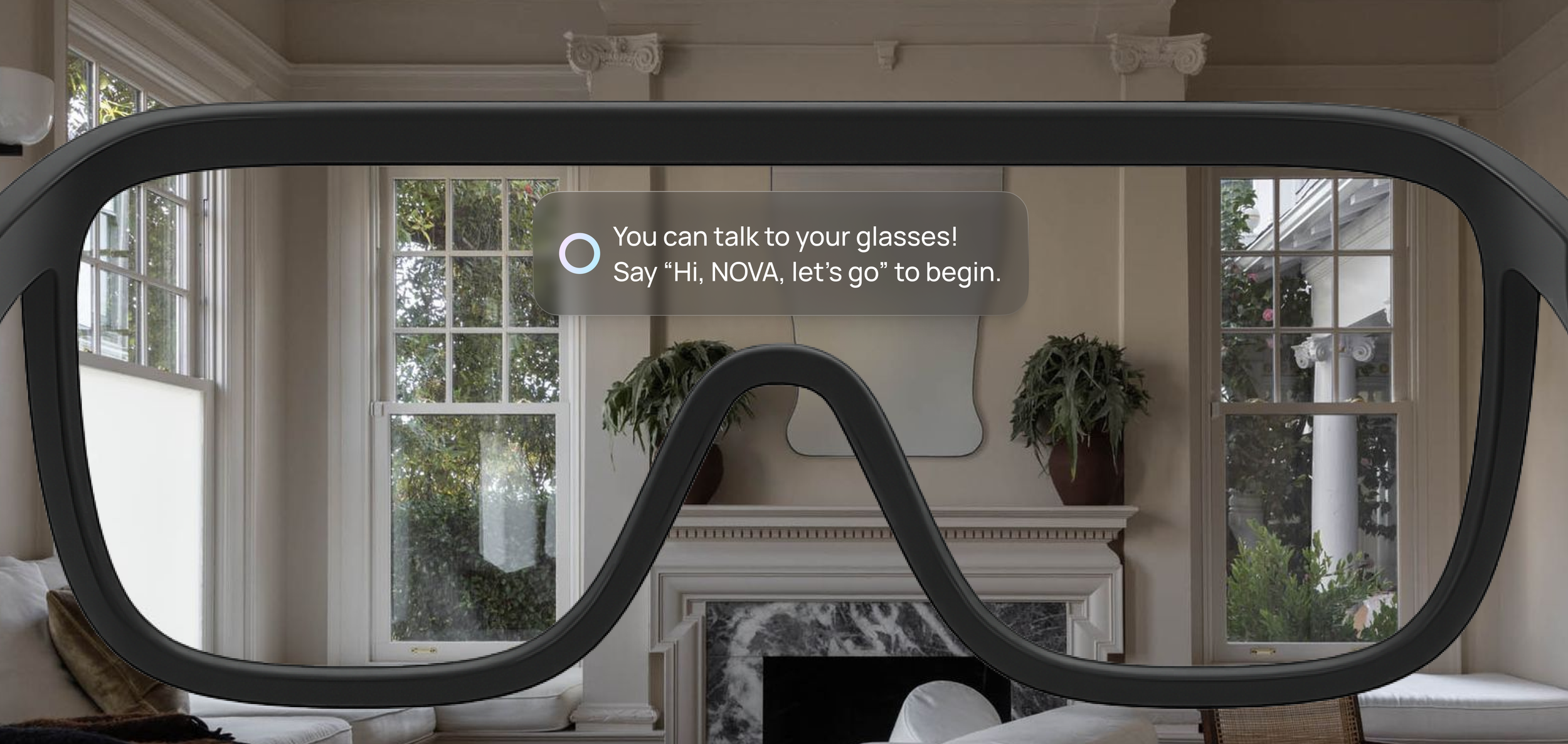
The AR glasses provide simple HUD text, responsive navigation guidelines, and a friendly
mascot that guides them safely while encouraging awareness.
For parents
The companion app let’s parents set up child profiles, safe zones, and emergency contacts. It
sends real time alerts if a boundary is crossed, providing reassurance without
constant surveillance.
Solution
Success Metric
To guide the development of the Navigation AR Glasses, we defined clear metrics that balance
children’s independence with parental reassurance. These focus on building confidence, ensuring
safety, and encouraging exploration while keeping both children and parents at ease
Child navigation confidence
.
Kids want independence in navigating
cities, but existing maps and trackers
aren’t designed for their age or abilities.
Safety incident reduction
.
Fewer risks and accidents occur as
children are better guided and more
aware of their surroundings.
Parental reassurance
.
Parents gain peace of mind knowing their
child is supported and monitored within
safe boundaries.
Independence encouragement
.
Children develop autonomy by
exploring safely without constant
parental oversight.
Design Challenge 1
Presenting information clearly without overwhelming the user
I researched different types of AR text displays and evaluated their suitability for this project.
Based on that study, I chose HUD text as the primary approach because it keeps essential details
like distance, estimated time, and alerts in fixed positions, making them stable and always visible
without blocking the main view.
“I want my child to get directions, but not so much text that they lose focus on the road.”

Based on early feedback and real-world usage conditions, I defined four key overlay principles
to ensure safe, accessible navigation for children:
Readable: Large, high-contrast, and legible across changing lighting conditions.
Focused: Brief, context-aware, and free of unnecessary clutter.
Unobtrusive: Positioned to avoid blocking key parts of the user's field of view.
Adaptive: Flexible in size and placement to accommodate diverse user needs.
We applied these principles by combining HUD text with responsive elements that adapt to user
movement. HUD elements such as alerts, time, and distance remain fixed and always visible.
Responsive path indicators adjust in real time to guide navigation without breaking immersion.


Design Challenge 2
Balancing safety with independence
At first, we focused mainly on the child’s view, designing AR glasses to guide kids with navigation
cues and hazard alerts. But testing showed this wasn’t enough—parents still felt anxious. They
wanted alerts, SOS triggers, and reassurance beyond what the child saw, so we expanded the
system to include a parent-facing layer of notifications and controls.

Child’s View
Safe Zone Set up

Parent’s View
This shift transformed the concept from a child-only tool into a paired system where parents
and children onboard together. Children receive simple, encouraging guidance through the
glasses, building confidence to navigate more independently, while parents manage safe zones,
alerts, and emergency options in the companion app, giving them the reassurance they need.

Onboarding
Safety Controls
Design Challenge 3
Making the experience engaging without distraction
A key challenge was keeping the AR interface simple enough for children to follow while still
engaging. Minimal colors and clean visuals reduced distractions but risked feeling too plain.
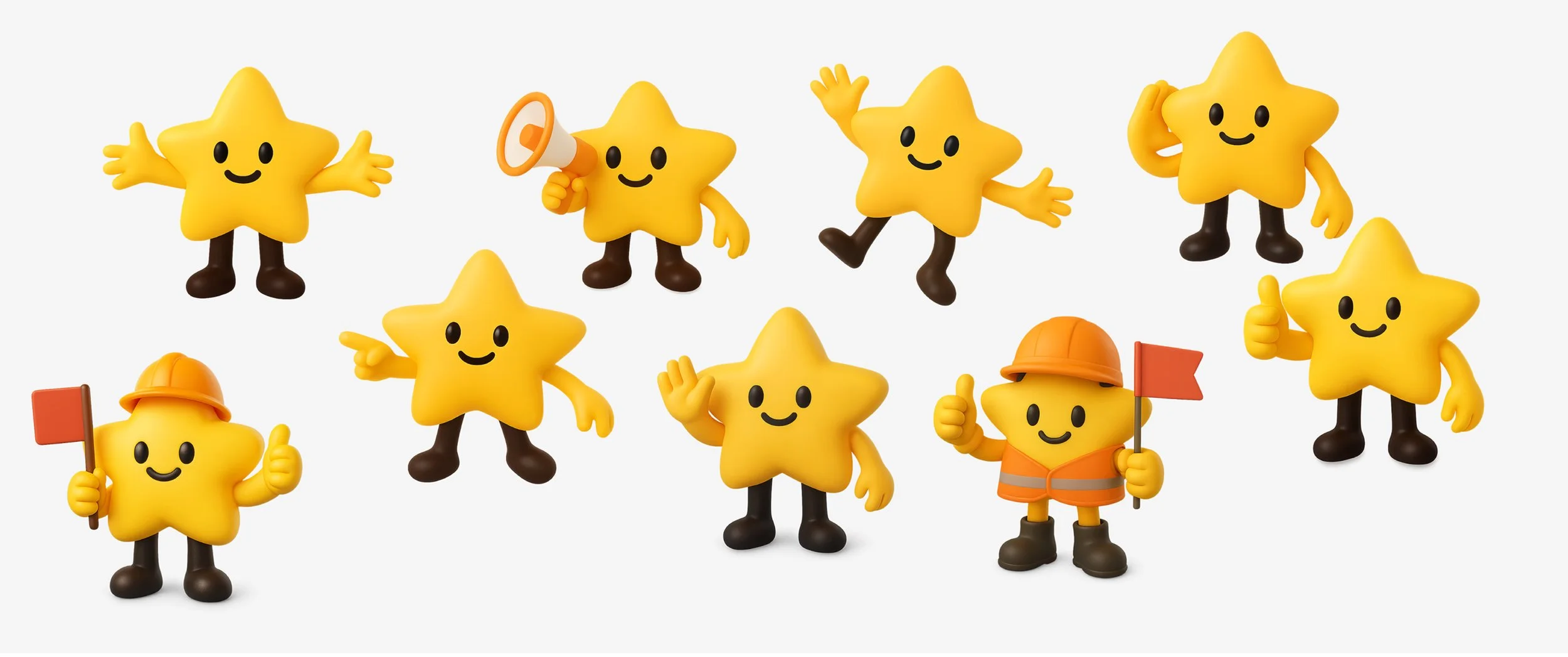
To address this, we introduced Nova, a friendly mascot. Nova means “new star,” symbolizing
guidance and growth, while also aligning with UNICEF’s mission to support children. With strong color
contrast, playful clarity, and a reassuring presence, Nova makes the experience engaging without
overwhelming kids or distracting from their surroundings.
“If it’s too plain my kid won’t use it, but if it’s too flashy they’ll miss what’s important.”

Usability Testing
Over a one-month prototype sprint, we tested with 20 parents, sometimes together with their children.
Their feedback on navigation clarity, safety features, and usability guided key refinements to the AR
glasses and companion app, making the system more practical, child-friendly, and reassuring for parents.
Strengthened safety with alerts, SOS functions, and danger warnings.
Improved the companion app with easier onboarding, safe zone setup, and parent–child contact options.
Reduced visual clutter so children could focus on key guidance.
Refined hardware concept toward thinner, more child-friendly glasses.
Research
To better understand the context of independent child mobility, we reviewed global data on road
safety and parental concerns:

Exploring Needs and Perspectives.